Secure Business Guide may earn a commission if you buy through links on this page, at no extra cost to you.
Our recommendations are based on practical use cases, security needs, features, pricing, and suitability for small businesses.
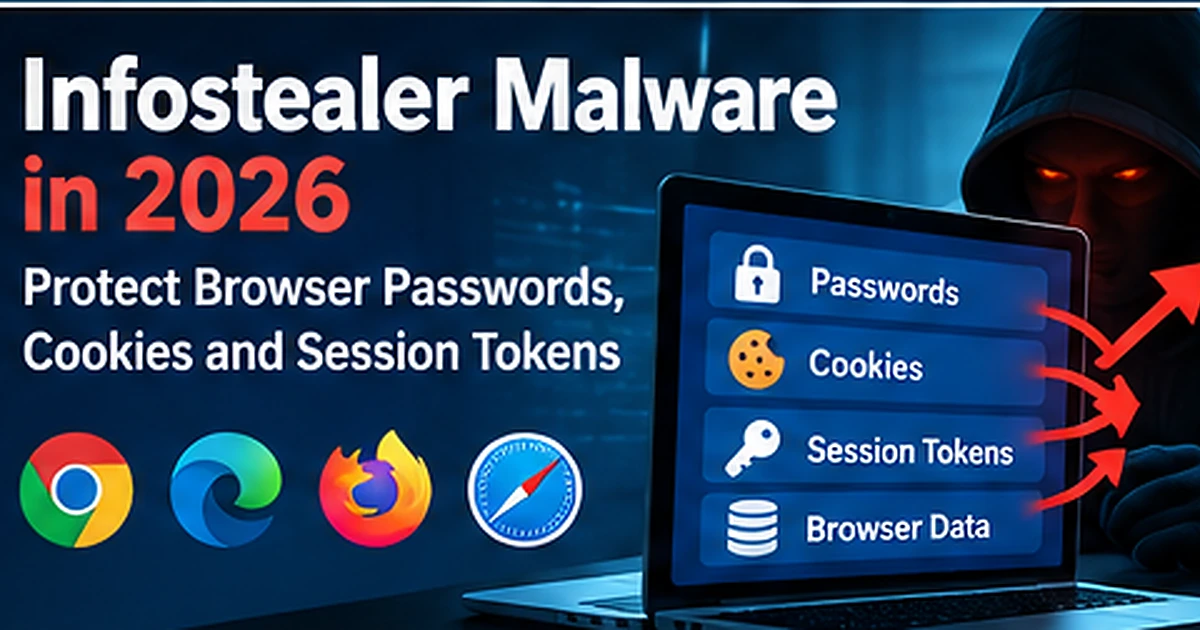
Infostealer malware has become a serious business risk because modern work happens inside browsers. Employees sign in to email, cloud storage, accounting platforms, social media, hosting dashboards and developer tools from the same endpoint. An information stealer that compromises that device can potentially collect far more than a single password.
Microsoft reported in February 2026 that infostealer activity was expanding beyond traditional Windows-focused campaigns into macOS and cross-platform delivery. The company observed campaigns stealing browser passwords, session data, cryptocurrency wallet information, developer secrets and cloud credentials.
This guide explains what infostealers steal, why cookies and authentication tokens matter, and how small businesses can reduce the risk of browser-session theft and account takeover.
Read Microsoft’s 2026 infostealer research.
What Is Infostealer Malware?
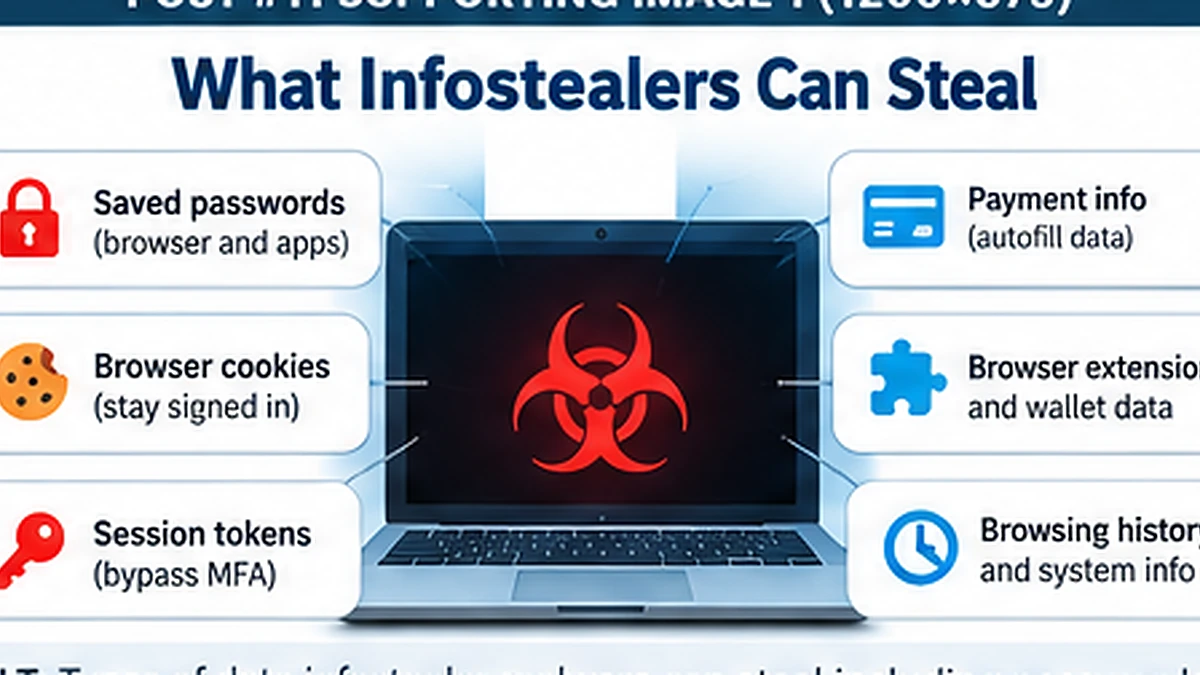
An infostealer is malware designed primarily to collect valuable information from an infected device and send it to an attacker.
Depending on the malware family and endpoint, the stolen data may include:
- Browser-saved usernames and passwords
- Authentication cookies
- Session tokens
- Autofill data
- Cryptocurrency wallets
- Cloud credentials
- Developer access keys
- Files and documents
- System and browser information
- Application credentials
Why Browser Credentials Are So Valuable
The browser is now the front door to much of a small business’s technology stack. A single employee browser may have access to Microsoft 365, Google Workspace, CRM software, banking portals, hosting providers and social media accounts.
If an infostealer collects those credentials, the attacker may be able to attempt account takeover across several services.
Passwords Are Not the Only Target
A common mistake is assuming that changing a password always ends an infostealer incident. Modern stealers may collect browser cookies, authentication artifacts and active session information in addition to passwords.
If an attacker obtains a valid session token, the attacker may be able to access a service without immediately needing the original password, depending on the service and security controls.
What Is Session Cookie Theft?
After a user successfully signs in, many web applications use cookies or tokens to maintain the authenticated session. This prevents the user from entering a password on every page.
If malware steals a session artifact and the service accepts it from the attacker’s environment, the attacker may be able to impersonate the user’s existing session until that session is revoked or expires.
This is why incident response should often include session revocation—not only a password reset.
Infostealers Are Expanding Beyond Windows
Microsoft observed macOS-focused infostealer campaigns in late 2025 and 2026, including DigitStealer, MacSync and Atomic macOS Stealer. Delivery methods included fake software, malicious advertisements and ClickFix-style Terminal prompts.
Microsoft also noted Python-based stealers that allow attackers to target multiple operating systems and adapt malicious code quickly.
How Infostealers Reach Small Businesses
Fake Software Downloads
Attackers create convincing installers or download pages for popular applications, utilities and AI tools.
Malicious Advertising
Users may reach malicious pages through sponsored ads or compromised advertising infrastructure.
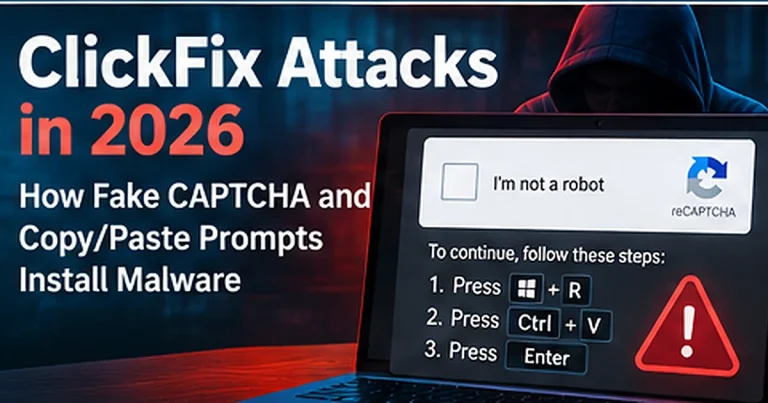
ClickFix Prompts
Fake CAPTCHA, browser-repair and copy/paste prompts convince users to execute commands that install the stealer.
See our ClickFix attack guide.
Phishing Attachments and Links
Documents, archives, fake login pages and redirect chains can all be used to deliver or prepare an infection.
Compromised or Trojanized Tools
Attackers may imitate software used by developers, administrators, cryptocurrency users or business teams.
What Can Happen After Credentials Are Stolen?
- Email takeover
- Cloud-account compromise
- Financial fraud
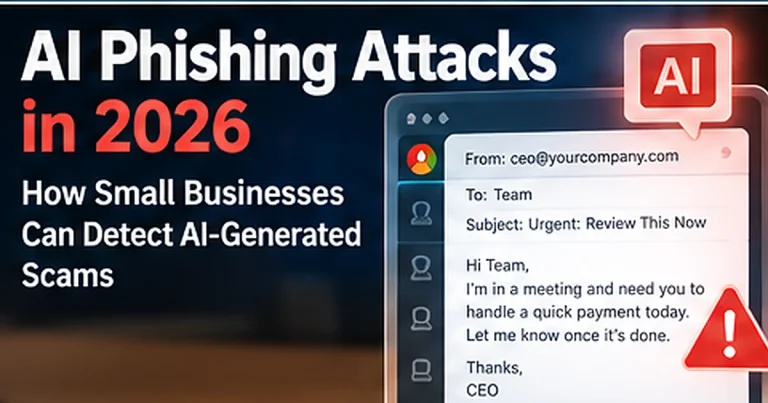
- Business email compromise
- Unauthorized access to hosting or domains
- Social media account theft
- Source-code or developer-environment compromise
- Follow-on malware or ransomware activity
10 Signs an Endpoint May Be Compromised
- Unexpected sign-in alerts
- New sessions from unfamiliar locations or devices
- Unknown browser extensions
- Unexpected MFA changes
- Mailbox forwarding rules the user did not create
- Security products disabled unexpectedly
- Suspicious PowerShell or Terminal activity
- Unexplained cryptocurrency wallet activity
- Unknown applications or startup items
- Customers receiving phishing from the employee’s account
How Small Businesses Can Reduce Infostealer Risk
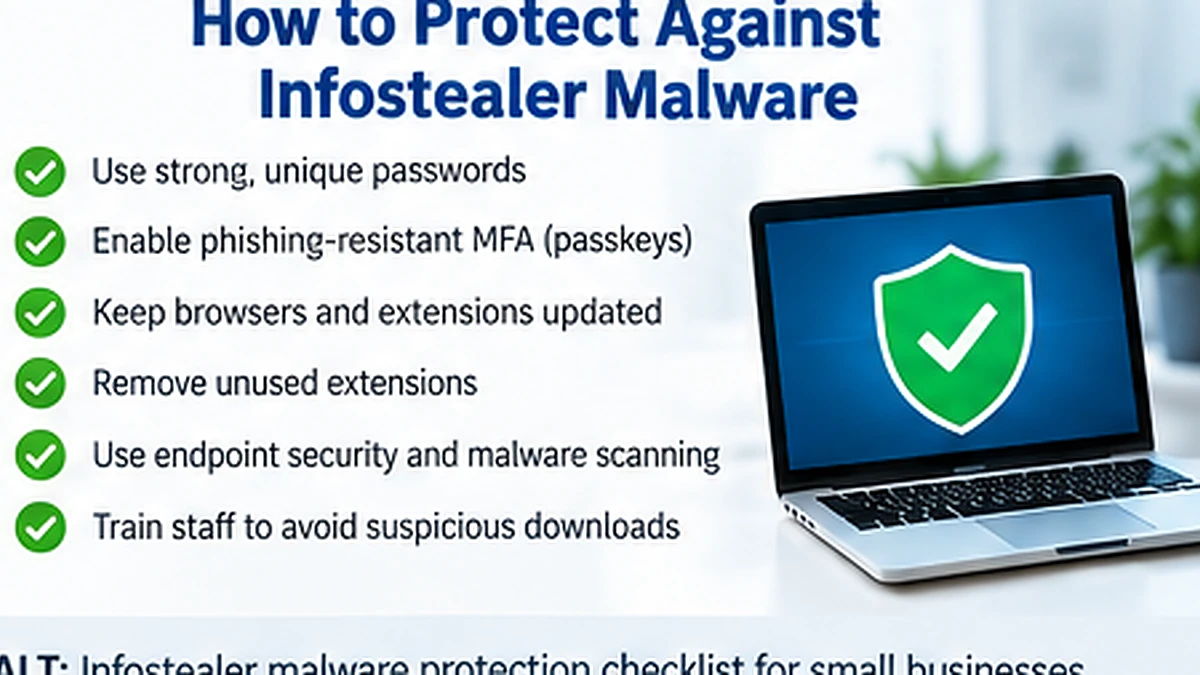
Use Endpoint Protection on Every Business Device
Endpoint detection and response tools can identify suspicious behavior such as credential-store access, script execution and malware persistence.
See our best antivirus software for small businesses.
Keep Browsers and Operating Systems Updated
Use supported software and deploy security updates quickly. Remove unused applications and browser extensions.
Use a Password Manager Instead of Browser-Saved Passwords Where Appropriate
A reputable password manager can help employees create unique credentials and reduce password reuse. The security model still depends on the chosen product, endpoint and recovery process.
See our password manager comparison.
Deploy Phishing-Resistant MFA
MFA adds protection when credentials are stolen, and phishing-resistant methods such as FIDO/WebAuthn offer stronger resistance to phishing-based account takeover.
CISA recommends small and medium businesses require MFA and use the strongest available method.
Read CISA’s small-business MFA guidance.
Restrict Administrator Rights
Most employees should not work with local administrator privileges. Use separate admin accounts and least privilege.
Control Browser Extensions
Review installed extensions and remove tools the business does not need. In managed environments, consider restricting which extensions can be installed.
Protect Developer Credentials
Developers may store API keys, source-code credentials and cloud secrets on endpoints. Use secret-management tools and avoid storing long-lived credentials in plain text.
Monitor Sign-Ins and Sessions
Review unusual cloud logins, new MFA methods, new OAuth grants and suspicious session activity.
What to Do After an Infostealer Infection
Do not treat the incident as solved simply because the malware file was removed.
A robust response may include:
- Isolating the affected device
- Running endpoint investigation and remediation
- Revoking active sessions and refresh tokens
- Changing exposed passwords from a clean device
- Reviewing and re-registering MFA methods if necessary
- Rotating API keys and developer secrets
- Reviewing email rules and cloud permissions
- Checking financial, hosting and administrative accounts
- Monitoring for follow-on activity
Why Password Reset Alone May Not Be Enough
If session tokens, authentication cookies or API credentials were stolen, changing only the password may leave other access paths active. Revoke sessions and rotate other secrets as required by the affected platforms.
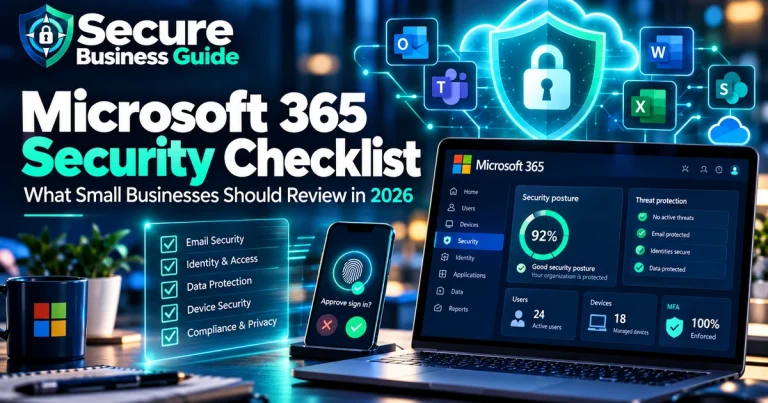
Infostealers and Microsoft 365
For Microsoft 365 environments, review administrator access, MFA, suspicious sign-ins, mailbox forwarding and application permissions after an incident.
Use our Microsoft 365 security checklist.
Infostealers and Email Security
Email remains an important delivery and follow-on channel. Combine endpoint security with anti-phishing controls and user reporting.
See our best email security tools for small businesses.
Infostealers and Ransomware
Credential theft can support broader intrusion and ransomware activity. Attackers may use stolen accounts to access cloud services, remote systems or administrative tools.
Use our ransomware protection checklist.
Frequently Asked Questions
Can antivirus detect infostealers?
Modern endpoint products can detect many infostealer behaviors and known families, but attackers continually change delivery methods and payloads. Use layered controls.
Can Macs get infostealers?
Yes. Microsoft documented multiple macOS-targeted infostealer campaigns in 2026.
Should I change passwords after an infostealer infection?
Yes, but do it from a known-clean device and also revoke sessions, rotate other exposed credentials and investigate the endpoint.
Final Takeaway
Infostealers turn one infected endpoint into a business-wide identity problem. Protect endpoints, strengthen authentication, limit privileges, control browser extensions and be prepared to revoke sessions and rotate secrets after compromise.
Explore CBOOMARANK for SEO analysis, competitor research, keyword intelligence and backlink opportunities.
View CBOOMARANK plans and pricing.
Related Security Guides