Secure Business Guide may earn a commission if you buy through links on this page, at no extra cost to you.
Our recommendations are based on practical use cases, security needs, features, pricing, and suitability for small businesses.
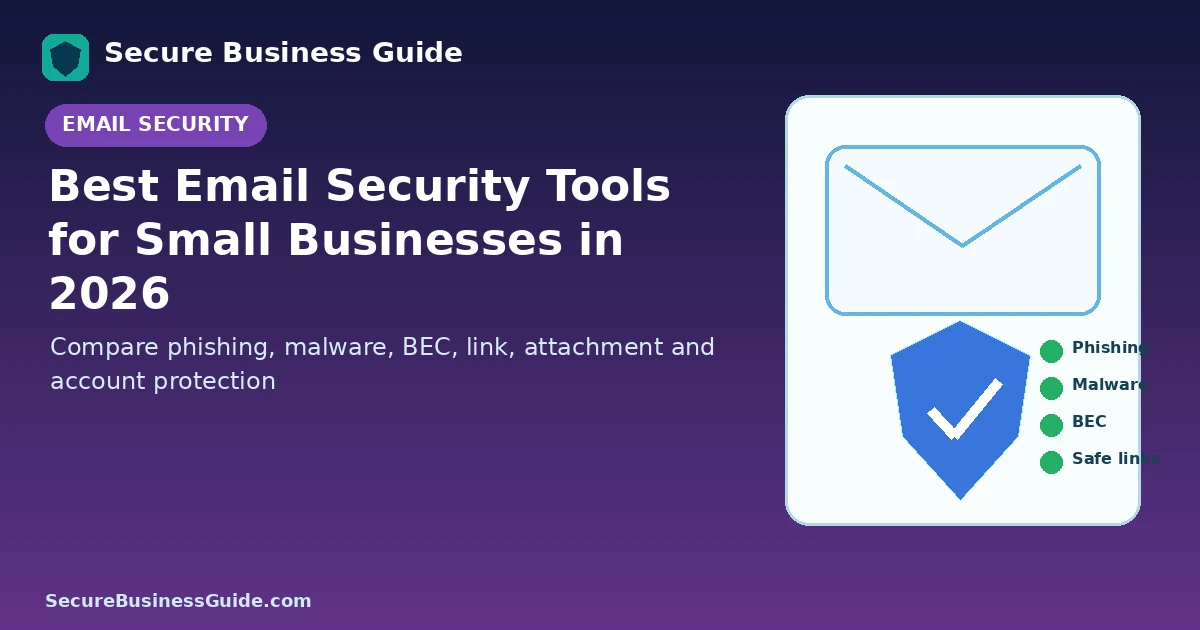
Email remains one of the most important systems a small business must protect. Phishing, malicious links, harmful attachments, impersonation and business email compromise can all begin with a message that appears legitimate.
Modern email security therefore needs more than a basic spam filter. Businesses should consider phishing detection, malicious-link analysis, attachment sandboxing, account-takeover protection, domain authentication, post-delivery remediation and strong identity controls.
This guide compares several leading email security options for small businesses in 2026.
Best Email Security Tools for Small Businesses: Quick Comparison
| Solution | Best fit | Key strength |
|---|---|---|
| Microsoft Defender for Office 365 | Microsoft 365 organizations | Native Safe Links, Safe Attachments and anti-phishing controls |
| Google Workspace Security | Google Workspace businesses | Integrated Gmail phishing, malware and admin security controls |
| Proofpoint | Advanced phishing and BEC protection | Behavioral threat detection and account protection |
| Barracuda Email Protection | Layered SMB email security | Phishing, malware, account takeover and domain protection |
| Mimecast Email Security | Organizations needing added cloud-email protection | Integrated and gateway email-security options |
1. Microsoft Defender for Office 365
Microsoft Defender for Office 365 is a natural option for businesses already operating on Microsoft 365.
Microsoft documents several important defenses, including Safe Attachments, Safe Links and anti-phishing policies.
Safe Attachments analyzes suspicious or unknown attachments in a protected environment, while Safe Links provides protection against malicious URLs.
Review Microsoft Defender for Office 365 capabilities.
Best Fit
Businesses standardized on Microsoft 365 that want security controls closely integrated with their existing platform.
What to Configure
- Safe Links
- Safe Attachments
- Anti-phishing policies
- Impersonation protection where available
- MFA
- Security alerts and incident response
2. Google Workspace Security
Google Workspace provides integrated security controls for Gmail and organization accounts.
Google’s administrative guidance includes phishing and spoofing protections, malware controls and security recommendations tailored to small businesses.
Review Google’s security checklist for Workspace administrators.
Best Fit
Small businesses already using Gmail and Google Workspace that want to maximize native protection before considering an additional email-security layer.
Important Consideration
Available security capabilities vary by Workspace edition, so administrators should confirm which phishing, sandboxing and data-protection features are included in their plan.
3. Proofpoint — Strong for Phishing, BEC and Behavioral Detection
Proofpoint’s email security platform focuses heavily on human-targeted attacks such as phishing, business email compromise, account compromise and impersonation.
Proofpoint’s current Core Email Protection offering uses behavioral threat analysis across sender activity, message intent, URLs, attachments and other contextual signals.
Explore Proofpoint Core Email Protection.
Proofpoint also offers solutions aimed specifically at small and midsize businesses. Its small-business portfolio has evolved, so organizations should evaluate the current package rather than relying on older product names or historical feature lists.
Best Fit
Businesses especially concerned about sophisticated phishing, business email compromise, impersonation or compromised accounts.
4. Barracuda Email Protection
Barracuda Email Protection combines multiple email-security functions, including spam and malware protection, anti-phishing, URL protection, account-takeover detection, domain fraud protection, data-loss controls and incident-response capabilities.
Review Barracuda Email Protection features.
Barracuda’s current offering uses behavioral analysis and message intent to identify suspicious communication patterns and impersonation attempts.
Best Fit
Small and midsize businesses looking for a broad email-security platform that can add protection around Microsoft 365 and other business mail environments.
5. Mimecast Email Security
Mimecast offers cloud email security through gateway and integrated-cloud approaches.
Its integrated cloud email-security model can add phishing detection, impersonation protection, post-delivery scanning and remediation inside cloud email environments.
Review Mimecast’s integrated cloud email security overview.
Best Fit
Businesses that want an additional email-security layer, particularly where administrators need centralized visibility, response tools and protection against advanced email threats.
Native Email Security vs Third-Party Protection
A small business does not automatically need an additional security vendor simply because one exists.
Start by configuring the security controls already included in Microsoft 365 or Google Workspace correctly.
Consider an additional layer when your business faces greater risk, handles sensitive information, experiences frequent phishing, requires stronger business-email-compromise detection or needs centralized investigation and remediation capabilities.
Essential Email Security Features to Look For
Phishing and Impersonation Detection
The solution should detect more than messages containing known malware. Business email compromise often relies on social engineering rather than malicious files.
Malicious URL Protection
Email links may redirect through multiple destinations or become malicious after delivery. Modern link protection should evaluate suspicious destinations and reduce exposure.
Attachment Analysis
Unknown attachments may require sandboxing or behavioral analysis rather than simple signature detection.
Account Takeover Detection
A legitimate mailbox can become malicious after an attacker steals credentials.
Look for unusual forwarding rules, abnormal login activity and changes in communication patterns.
Post-Delivery Remediation
Some platforms can identify and remove a malicious message after it has already reached user mailboxes.
Email Authentication
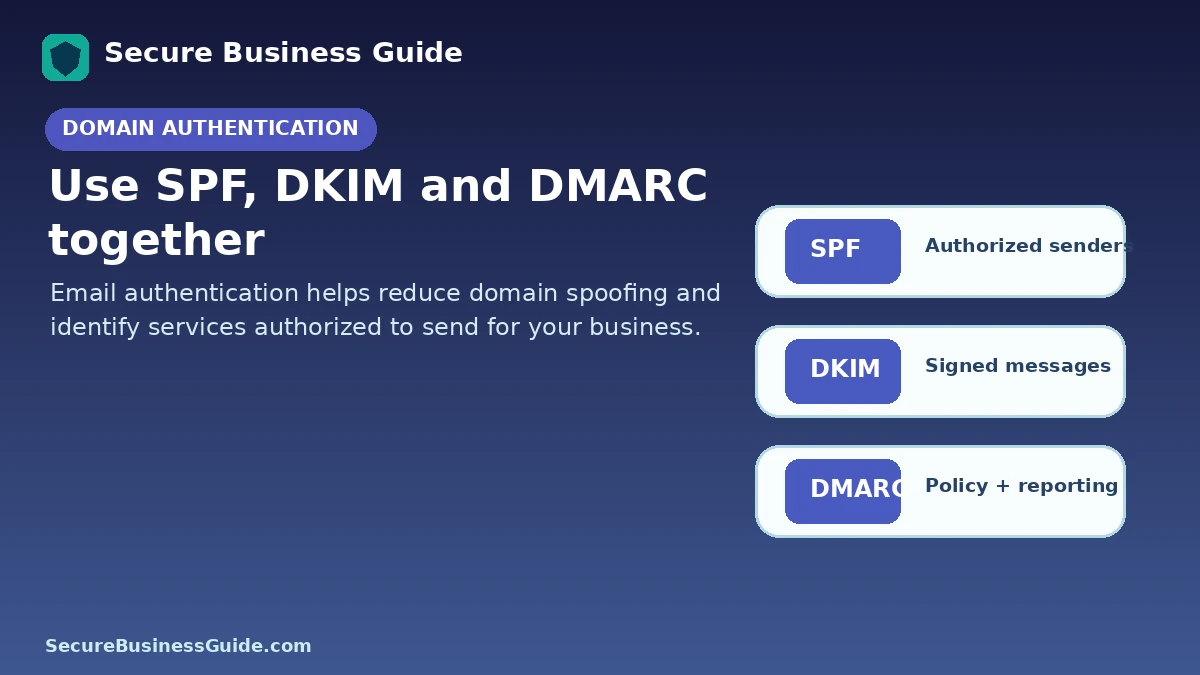
SPF, DKIM and DMARC help establish which systems are authorized to send email for your domain and reduce certain forms of spoofing.
Enable MFA on Every Business Mailbox
Email security filtering cannot compensate for weak account authentication.
Require MFA for users—especially administrators, finance teams and anyone with access to sensitive systems.
Use a Password Manager
Every business mailbox should have a unique password.
See our comparison of the best password managers for small businesses.
Protect Employee Devices Too
Email threats often attempt to compromise the endpoint after a user opens a document or follows a link.
Use supported operating systems, browser updates and endpoint protection. Compare options in our small-business antivirus guide.
Back Up Important Cloud Data
Cloud email is highly resilient, but retention and availability are not the same thing as having an independent recovery strategy for every business scenario.
Consider your organization’s legal, continuity and recovery requirements. Our business cloud backup guide provides a broader overview.
Train Employees to Report Suspicious Messages
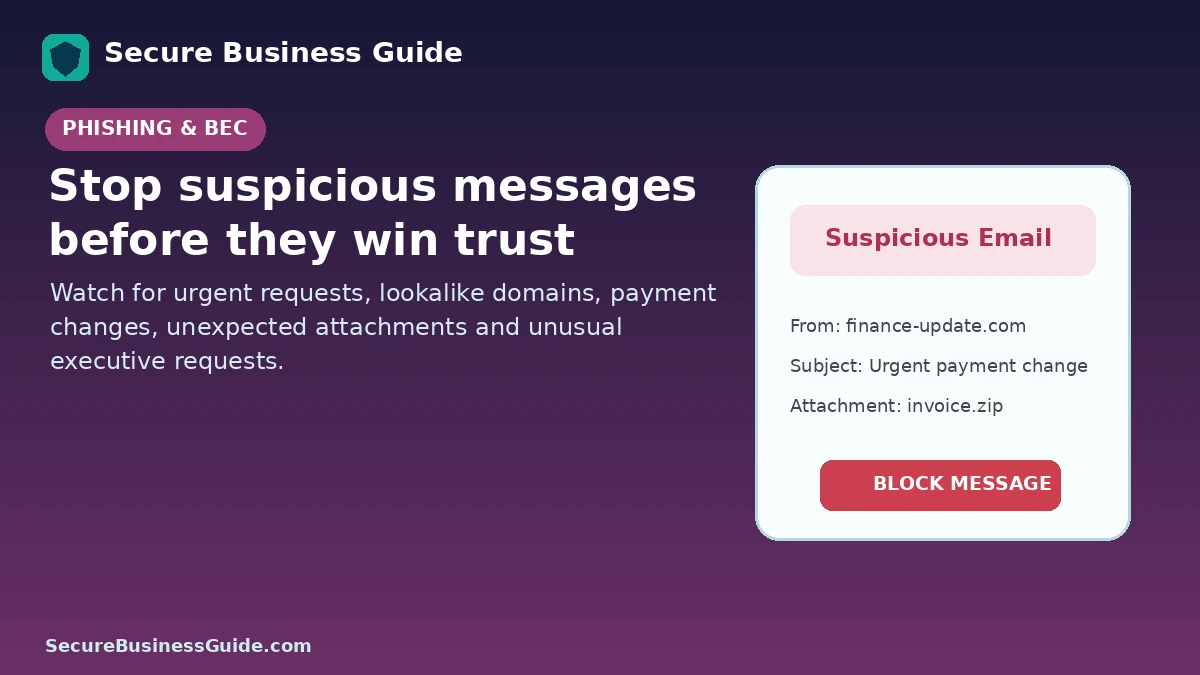
Employees should be able to report suspected phishing quickly and understand common warning signs:
- Unexpected payment requests
- Urgent password-reset links
- Changes to supplier banking details
- Unexpected MFA prompts
- Lookalike domains
- Unusual executive requests
- Unexpected attachments
- Requests to bypass normal approval procedures
Protect Against Ransomware Delivered Through Email
Email controls form one part of ransomware defense.
Combine them with backups, vulnerability management, patching and strong access controls using our small business ransomware protection checklist.
Which Email Security Tool Should a Small Business Choose?
If your business already uses Microsoft 365, begin by reviewing the Defender capabilities included in or available for your subscription.
If you use Google Workspace, fully configure Gmail and Workspace security controls first.
Businesses needing an additional layer can evaluate vendors such as Proofpoint, Barracuda and Mimecast based on phishing detection, account-takeover protection, response capabilities, administration overhead and integration with the existing email platform.
Do Not Choose Based Only on Marketing Claims
Run a trial or proof of concept where practical.
Test the solution against your actual workflows and evaluate:
- False-positive rates
- Phishing detection
- Impersonation detection
- Administrative usability
- Post-delivery response
- User reporting
- Logging
- MFA integration
- Deployment complexity
- Support quality
Email Security Is Part of a Larger Business Security Program
Strong email protection should work alongside website security, vulnerability scanning, backups, access management and endpoint protection.
Use the Secure Business Guide website security checklist to review the wider environment.
Strengthen Security and Monitor Online Visibility
Once core security controls are in place, businesses should also monitor how their websites perform in search and how competitors are gaining visibility.
Explore CBOOMARANK for SEO analysis, keyword research, competitor intelligence, authority metrics and backlink insights.
You can also view CBOOMARANK plans and pricing.
Frequently Asked Questions
Does Microsoft 365 include email security?
Yes. Microsoft provides baseline email protection and offers additional Defender for Office 365 capabilities such as Safe Links, Safe Attachments and enhanced anti-phishing controls depending on licensing.
Does Google Workspace protect against phishing?
Yes. Google Workspace includes Gmail security controls and administrator settings for phishing, spoofing and malware protection. Available advanced capabilities vary by edition.
Do small businesses need a third-party email security product?
Not always. The decision should depend on risk, existing platform controls, regulatory requirements, phishing exposure, available IT resources and response needs.
What is the most important email security control?
No single control is sufficient. Strong authentication, phishing protection, attachment and link analysis, domain authentication, user awareness and incident response should work together.
Final Takeaway
Microsoft Defender for Office 365 and Google Workspace provide strong native starting points for businesses already using those ecosystems. Proofpoint, Barracuda and Mimecast can provide additional layers for organizations that need stronger phishing, impersonation, account-takeover or response capabilities.
Choose the tool that fits your actual environment, configure it correctly and combine it with MFA, DMARC, endpoint protection, backups and employee security awareness.
Related Security Guides