Secure Business Guide may earn a commission if you buy through links on this page, at no extra cost to you.
Our recommendations are based on practical use cases, security needs, features, pricing, and suitability for small businesses.
A website vulnerability scanner can help a small business identify security weaknesses before they become an incident. The right scanner may detect vulnerable software, malicious code, TLS configuration problems, exposed services, web-application weaknesses or forgotten internet-facing assets.
But vulnerability scanners are not interchangeable. A free external malware checker serves a very different purpose from a dynamic application security testing platform or an attack-surface management service.
This guide compares several strong website security scanners for small businesses in 2026 and explains what each tool is best suited for.
Best Website Vulnerability Scanners for Small Businesses: Quick Comparison
| Tool | Best for | Primary strength |
|---|---|---|
| Sucuri SiteCheck | Quick public-site checks | Remote malware, blocklist and website anomaly scanning |
| Wordfence Scan | WordPress websites | WordPress file, malware and integrity scanning |
| Detectify | Growing web applications | DAST plus external attack-surface monitoring |
| Intruder | Continuous business vulnerability management | Infrastructure and web vulnerability scanning |
| ZAP | Technical teams and developers | Open-source dynamic web application testing |
| Qualys SSL Labs | TLS configuration checks | Deep public SSL/TLS server analysis |
1. Sucuri SiteCheck — Best for Fast External Website Checks
Sucuri SiteCheck is a free remote website scanner that checks public-facing website content for known malware, malicious code, website errors, blocklisting and some outdated-software indicators.
Why Small Businesses May Like It
- No software installation is required for the basic remote check.
- Useful for investigating suspicious redirects or visible malware.
- Checks public blocklist status.
- Can identify some outdated CMS or extension indicators.
Important Limitation
Sucuri states that its free remote scanner only sees what is accessible from the browser level. It cannot inspect every server-side file, hidden backdoor or database record.
That makes SiteCheck useful as one layer of detection—not proof that a website is completely clean.
2. Wordfence Scan — Best for WordPress Sites
Wordfence’s scanner is specifically designed for WordPress.
The scanner checks WordPress files for malicious code, backdoors, shells, known malicious URLs and common infection patterns. It can also inspect posts, pages and comments for malicious content.
Read Wordfence’s scan documentation.
Best Fit
Wordfence is especially relevant for site owners who want scanning integrated directly into the WordPress environment.
For broader WordPress defense options, see our best WordPress security plugins comparison.
What It Does Not Replace
A WordPress plugin scanner does not replace infrastructure scanning, penetration testing or security controls at the hosting, cloud and identity layers.
3. Detectify — Best for Growing Web Applications and Attack Surfaces
Detectify offers both web-application security testing and external attack-surface monitoring.
Its Application Scanning product performs dynamic application security testing against running applications. Detectify’s documentation says it crawls and fuzzes web applications to identify exploitable vulnerabilities, including modern JavaScript-heavy applications.
Its Surface Monitoring product discovers domains, subdomains, IP addresses, ports, technologies and other externally exposed assets.
Explore Detectify Surface Monitoring.
Best Fit
Detectify is more appropriate for organizations operating custom web applications, APIs, multiple subdomains or a growing internet-facing environment than for a single simple brochure website.
4. Intruder — Best for Continuous Business Vulnerability Management
Intruder provides continuous vulnerability scanning across websites, applications and internet-facing infrastructure.
Its website security offering is designed to identify risks such as exposed services, software vulnerabilities, SQL injection and infrastructure weaknesses and alert teams when remediation is needed.
Review Intruder’s website vulnerability scanning capabilities.
Best Fit
Intruder can make sense for businesses that want an ongoing vulnerability-management process rather than occasional manual scans.
5. ZAP — Best Free Scanner for Technical Teams
ZAP is a free and open-source web application security testing platform.
It provides automated scanning and manual security-testing tools and can be incorporated into development and CI/CD workflows.
Visit the official ZAP project.
Important Safety Warning
Active vulnerability scanning sends attack-style requests to a target.
Only actively scan applications you own or have explicit permission to test. ZAP’s own documentation warns that active scanning is an attack against the target and should not be run against systems without authorization.
Best Fit
ZAP is attractive for developers, technical website owners and teams that want an open-source DAST solution and have the knowledge to interpret findings.
6. Qualys SSL Labs — Best for SSL/TLS Configuration Checks
SSL Labs provides a free public SSL Server Test that performs deep analysis of the TLS configuration of an internet-facing web server.
Run the Qualys SSL Labs Server Test.
This is not a full website vulnerability scanner. Its value is narrower: identifying HTTPS and TLS configuration issues.
What Should a Small Business Scan?
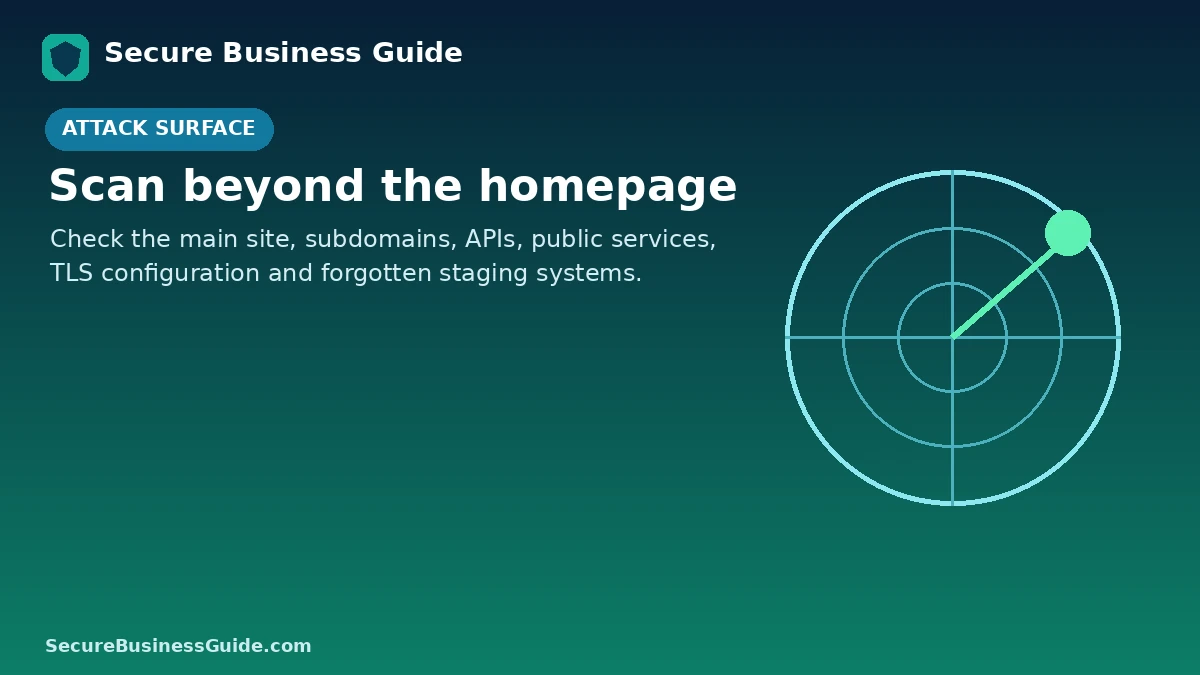
A useful scanning program should consider more than the homepage.
- Main website and important subdomains
- Customer portals
- WordPress or other CMS installations
- APIs
- Cloud-hosted applications
- Public IP addresses
- Remote-access services
- TLS certificates and HTTPS configuration
- Forgotten staging and development systems
Remote Malware Scanner vs Vulnerability Scanner
These terms are sometimes used as if they mean the same thing, but they do not.
A malware scanner tries to detect malicious content or signs of compromise. A vulnerability scanner looks for weaknesses that could potentially be exploited.
A healthy security program may need both.
How Often Should a Business Scan Its Website?
Scanning frequency should reflect how often the website changes and how important it is to the business.
Sites that process customer data, support authentication, deploy frequently or expose custom applications need more frequent monitoring than a static information-only site.
Continuous or scheduled scanning is preferable when the attack surface changes regularly.
What to Do When a Scanner Finds a Vulnerability
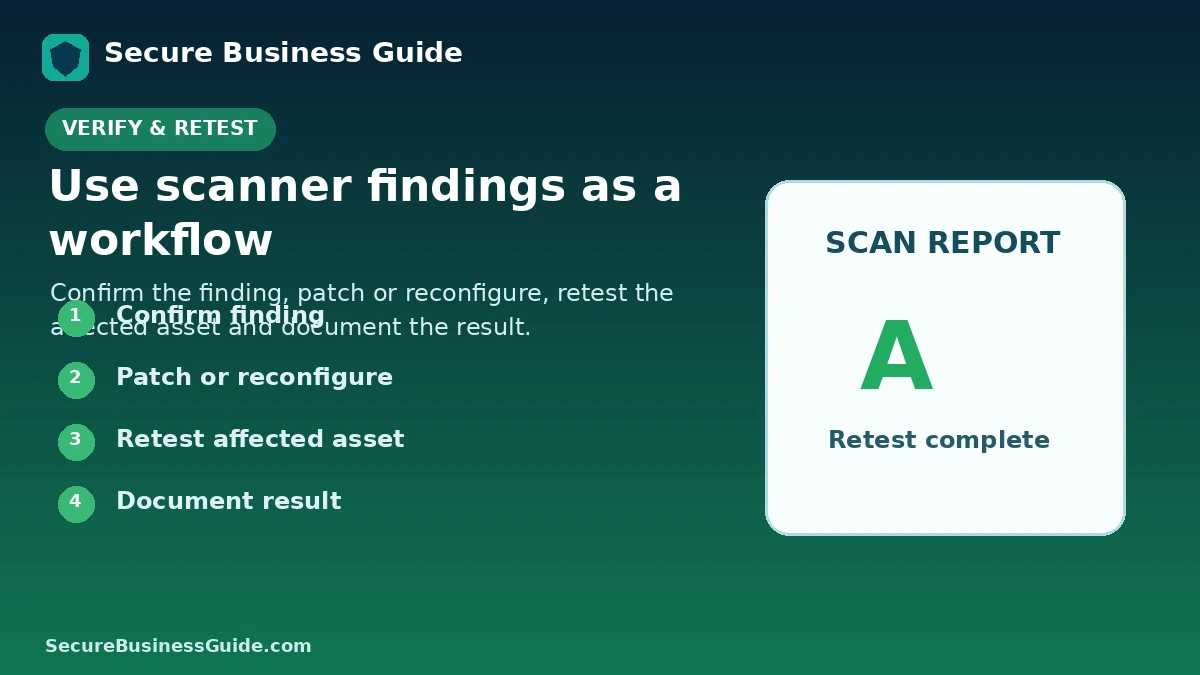
- Confirm that the finding applies to the actual environment.
- Understand the severity and exploitability.
- Identify the affected component.
- Back up critical systems before major remediation.
- Apply the vendor patch or secure configuration.
- Retest after remediation.
- Document the result.
False Positives and False Negatives
No automated scanner finds every vulnerability, and automated tools can sometimes report issues that are not exploitable in a particular environment.
High-risk applications should combine automated scanning with code review, architecture review and professional penetration testing where appropriate.
What If the Scanner Finds Malware?
If a website is already compromised, move from vulnerability assessment into incident response.
Our guide on how to check whether a WordPress website has been hacked explains common warning signs.
For recovery assistance, compare WordPress malware removal services.
Build Vulnerability Scanning Into Your Security Checklist
Scanning works best when combined with patch management, backups, strong authentication, least privilege and monitoring.
Use our website security checklist for small business owners as the broader foundation.
Protect Security Without Ignoring Search Performance
Technical website problems can affect both security and business visibility.
After resolving security issues, continue monitoring search visibility, technical SEO, backlinks and competitor performance.
Explore CBOOMARANK for website analysis, keyword research, competitor intelligence and backlink insights.
You can also view CBOOMARANK plans and pricing.
Frequently Asked Questions
What is the best free website vulnerability scanner?
The answer depends on what you need to test. Sucuri SiteCheck is useful for quick public malware and website checks, ZAP provides open-source web application testing for technical users, and SSL Labs provides deep TLS configuration analysis.
What is best for WordPress?
Wordfence provides WordPress-specific file and malware scanning. Site owners may also use external scanning to gain a second perspective.
Can vulnerability scanning damage a website?
Passive and remote checks are generally less intrusive, while active scanning deliberately sends test payloads. Active scanners should be carefully configured and used only against systems you are authorized to test.
Does a clean scan guarantee my website is safe?
No. Automated scanners have limits. Security requires layered controls, updates, monitoring and additional testing appropriate to the risk of the application.
Final Takeaway
For small businesses, the best vulnerability scanner is the one that matches the actual technology and risk. A WordPress owner may begin with Wordfence and Sucuri, while a business running custom web applications may need continuous DAST and attack-surface monitoring from platforms such as Detectify or Intruder.
Use scanners to create a repeatable process: discover, prioritize, remediate and verify.
Related Security Guides