Secure Business Guide may earn a commission if you buy through links on this page, at no extra cost to you.
Our recommendations are based on practical use cases, security needs, features, pricing, and suitability for small businesses.
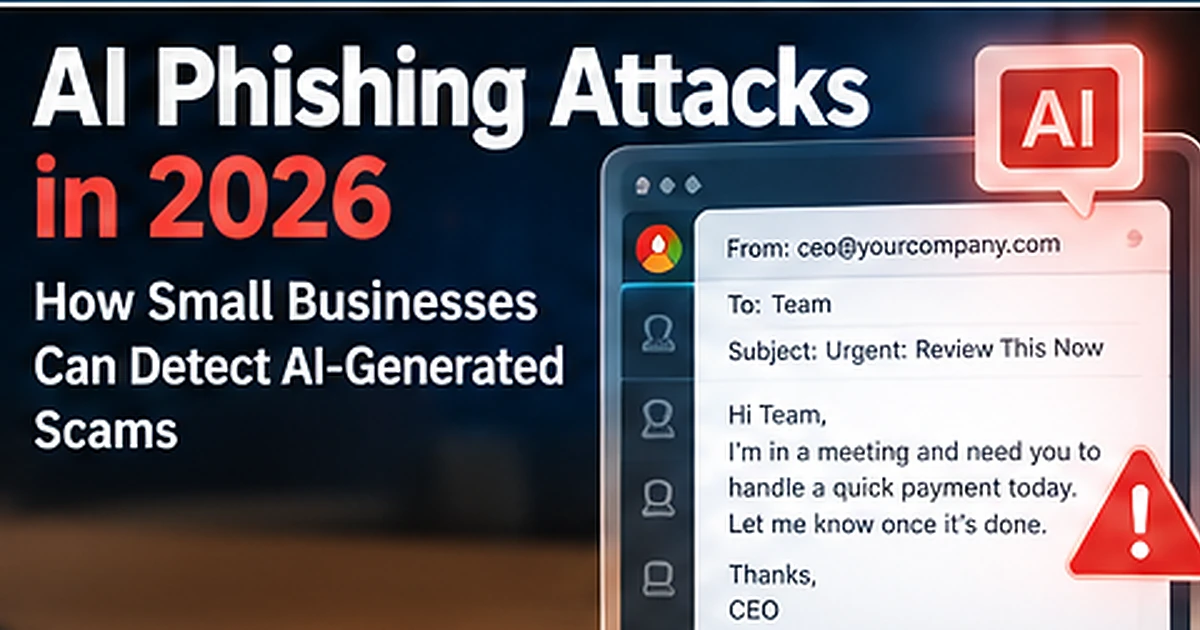
AI is changing phishing by making social engineering faster, more personalized and easier to scale. In 2026, Microsoft documented an AI-enabled device-code phishing campaign in which attackers used generative AI to create targeted lures, automation to generate valid device codes dynamically and automated reconnaissance to identify high-value users.
Microsoft later reported that the EvilTokens phishing-as-a-service platform used AI capabilities to tailor phishing lures and analyze compromised inboxes, helping drive business email compromise and device-code abuse at scale.
For small businesses, the important lesson is not that every phishing email is now written by AI. It is that spelling mistakes and awkward wording are no longer reliable warning signs. Defenses must focus on identity, context, verification and behavior.
Read Microsoft’s April 2026 AI-enabled phishing research.
What Is AI-Generated Phishing?
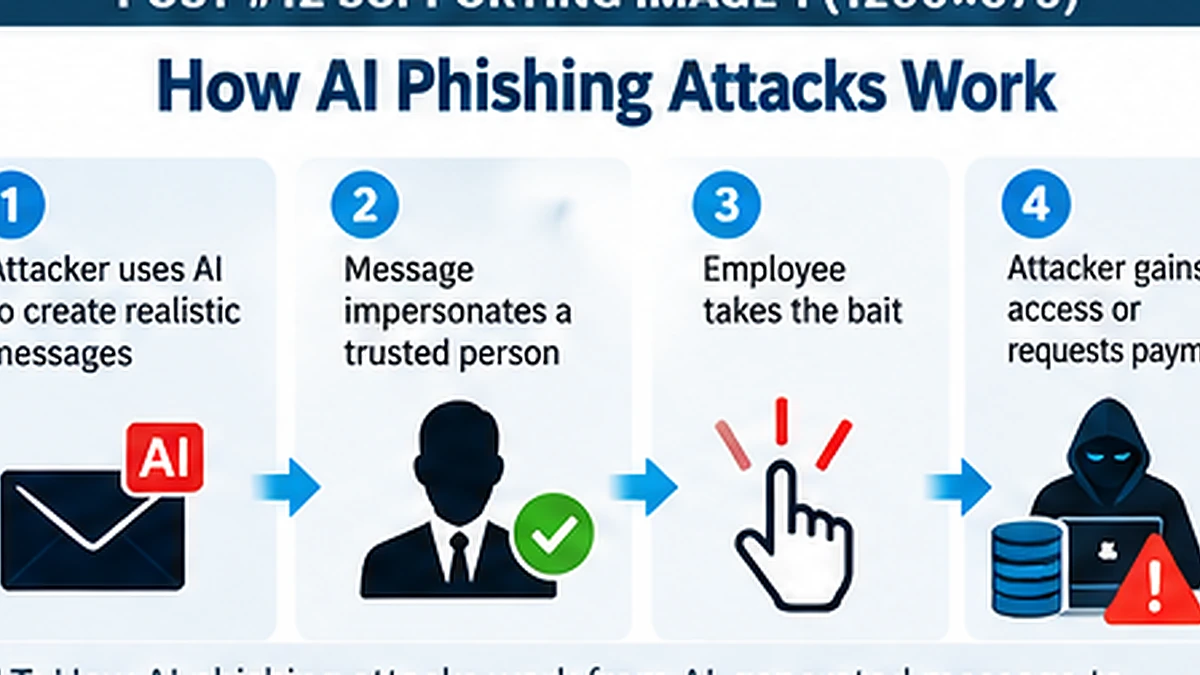
AI-generated phishing uses artificial intelligence to help create, personalize, translate, automate or optimize social-engineering messages and supporting infrastructure.
AI can help attackers:
- Write polished phishing emails
- Translate scams into multiple languages
- Adapt messages to a victim’s role
- Create believable invoice, document or HR themes
- Summarize public information about targets
- Scale phishing campaigns faster
- Analyze compromised inboxes for valuable contacts
Why AI Phishing Is Harder to Spot
Traditional security awareness often teaches employees to look for grammar mistakes, strange wording or obvious formatting problems. Generative AI can produce convincing business language, reducing those clues.
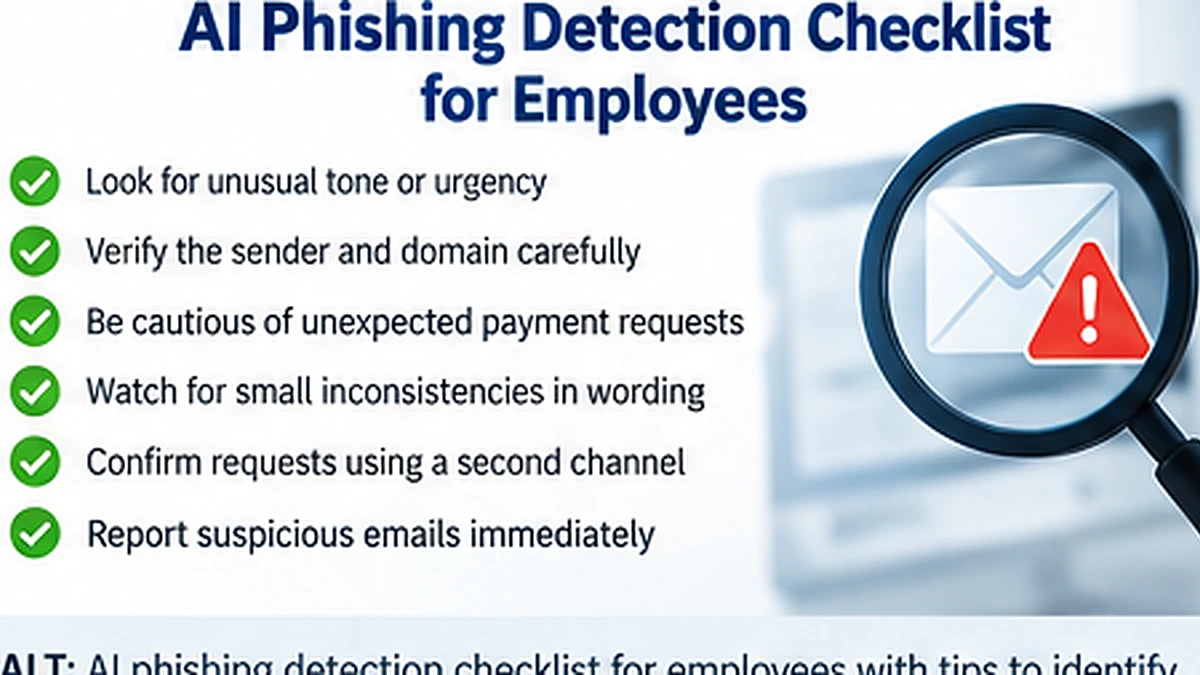
A well-written message can still be malicious. Employees should evaluate the request itself:
- Is the request expected?
- Does the sender normally communicate this way?
- Is the requested action unusual?
- Does it involve money, credentials or authentication?
- Can the request be verified through a trusted channel?
Microsoft’s 2026 AI-Enabled Device-Code Phishing Campaign
Microsoft Defender Security Research documented a widespread campaign that abused Microsoft’s legitimate device-code authentication flow.
The campaign used AI and automation in several ways, including hyper-personalized phishing lures aligned to roles such as finance and manufacturing, dynamic device-code generation and automated enrichment of high-value targets.
Instead of simply stealing a password, the victim could be tricked into authorizing the attacker’s session through a legitimate Microsoft device-login flow.
What Is Device-Code Phishing?
Device-code authentication is legitimate and is designed for devices that cannot easily support normal interactive sign-in. In an attack, the threat actor initiates a device-code request and convinces the victim to enter the attacker’s code into the legitimate authentication page.
If the victim completes the flow, the victim may authorize the attacker’s session without directly giving the attacker a password.
Why MFA Alone Does Not Stop Every Phishing Attack
MFA is essential, but some phishing techniques are designed to abuse weaker MFA methods or legitimate authentication workflows.
CISA recommends organizations move toward phishing-resistant MFA such as FIDO/WebAuthn. Passkeys can provide strong resistance to traditional credential phishing.
Review CISA’s phishing-resistant MFA guidance.
See our passkeys vs passwords guide.
AI Phishing Warning Signs in 2026
Unexpected Authentication Request
A message asks you to sign in, enter a device code, approve MFA or re-register authentication unexpectedly.
Payment or Banking Change
The message asks for an urgent transfer, new supplier bank account or invoice change.
Executive Impersonation
The email appears to come from a CEO or manager but requests an unusual confidential action.
Document-Sharing Lure
The victim is asked to review a proposal, contract, RFP, voicemail or secure document through an unfamiliar workflow.
Unusual Urgency
The message attempts to bypass normal process by creating a tight deadline.
Legitimate Login Page Used in a Suspicious Context
A real Microsoft or Google authentication page does not prove the request that led you there was legitimate.
How Small Businesses Can Defend Against AI Phishing
Use Phishing-Resistant Authentication
Prioritize passkeys or FIDO security keys for administrators and high-value users where supported.
Require Independent Verification for Financial Changes
Bank-account changes, wire transfers, payroll changes and high-value payments should be verified using a separate trusted channel.
Train Employees Around Actions, Not Grammar
Teach employees to question unusual requests for credentials, device codes, money, sensitive files and authentication—not simply poor spelling.
Strengthen Email Security
Use anti-phishing, impersonation, malicious-link and attachment protection appropriate to your environment.
See our best email security tools for small businesses.
Monitor Authentication Activity
Review risky sign-ins, new MFA methods, suspicious device-code authentication, abnormal OAuth grants and unexpected session behavior.
Limit Device-Code Flow Where It Is Not Needed
Microsoft’s September 2026 EvilTokens research recommends blocking device-code flow where possible and carefully scoping exceptions for devices that legitimately require it.
Read Microsoft’s EvilTokens research.
Use Least Privilege
Reduce the number of administrator accounts and avoid using privileged identities for normal email and browsing.
Protect Business Devices
Endpoint security remains important because phishing can lead to malware and infostealer delivery.
See our infostealer protection guide.
AI Phishing and Business Email Compromise
Once an attacker compromises an inbox, AI can help analyze message history, identify financial roles, imitate communication patterns and prioritize valuable targets.
Microsoft reported in September 2026 that EvilTokens had facilitated sophisticated BEC campaigns and compromised more than 12,000 inboxes across more than 10,000 organizations worldwide.
AI Phishing and QR Codes
AI-generated text can be combined with QR phishing, fake documents and impersonation. Employees should treat QR-based login and payment requests as high-risk unless they are expected and independently verified.
Use our QR code phishing guide.
AI Phishing and Microsoft 365
Small businesses using Microsoft 365 should focus on MFA, phishing-resistant authentication, administrator separation, anti-phishing controls, mailbox-rule monitoring and secure external sharing.
See our Microsoft 365 security checklist.
What to Do If an Employee Falls for AI Phishing
Respond based on what the employee did. If credentials, device codes, MFA approvals or payment information were provided, treat the account or transaction as potentially compromised.
Possible response actions include:
- Revoke active sessions
- Reset exposed credentials
- Review MFA methods
- Investigate mailbox rules
- Review sign-in logs
- Remove malicious messages
- Check OAuth or application consent
- Contact financial institutions if payment fraud is involved
- Investigate the endpoint if malware may have run
Build an AI-Phishing-Resistant Business Process
The strongest defense is not expecting employees to perfectly identify AI-generated writing. Design workflows where one convincing message cannot directly authorize a sensitive action.
Examples include:
- Two-person approval for large payments
- Known-channel verification for bank changes
- Separate administrator accounts
- Phishing-resistant MFA
- Fast employee reporting
- Centralized logging and alert review
Frequently Asked Questions
Can AI make phishing emails look professional?
Yes. Generative AI can produce polished, context-aware text, so grammar quality is no longer a reliable indicator of legitimacy.
Can AI phishing bypass MFA?
Some attacks abuse authentication workflows or weaker MFA methods. Phishing-resistant authentication provides stronger protection than traditional methods.
Can AI create deepfake voice or video scams?
AI can support impersonation through synthetic media. Businesses should verify unusual financial or sensitive requests through established independent channels.
Final Takeaway
AI makes phishing faster and more convincing, but it does not change the fundamental defense: verify unusual requests, use phishing-resistant authentication, monitor identity activity and design business processes that require more than one message to authorize high-risk actions.
Explore CBOOMARANK for website SEO analysis, keyword research, competitor intelligence and backlink opportunities.
View CBOOMARANK plans and pricing.
Related Security Guides