
Business email compromise (BEC) is one of the most damaging forms of online fraud because it targets the normal business processes companies rely on every day: invoices, supplier payments, payroll, executive requests, account changes and email conversations.
For a small business, a single convincing message can redirect a payment, expose credentials or give an attacker access to a real mailbox. This guide explains how business email compromise works in 2026, the warning signs to watch for, and the practical controls small businesses can use to reduce invoice fraud, account takeover and payment diversion.
What Is Business Email Compromise?
Business email compromise is a fraud technique in which an attacker uses a spoofed or compromised email identity to impersonate a trusted person or organization. The attacker may pretend to be an executive, finance employee, supplier, lawyer, customer, payroll administrator or other trusted contact.
BEC can involve lookalike domains, spearphishing, malware and access to legitimate email threads. Criminals may wait until a real invoice or payment conversation is underway and then introduce fraudulent bank details at the moment a transfer is expected.
Why Small Businesses Are Attractive BEC Targets
Small organizations often move quickly, rely on a small number of finance staff, work with external accountants or contractors, and may not have dedicated security teams. Those characteristics can make social-engineering attacks easier to execute.
Common BEC targets include
- Employees who approve supplier invoices.
- Accounts payable and finance teams.
- Executive assistants.
- Payroll and human-resources staff.
- Employees who purchase gift cards or equipment.
- Companies making wire transfers.
- Businesses changing supplier bank details.
How BEC Attacks Work in 2026
1. Lookalike domain impersonation
An attacker registers a domain that looks similar to the legitimate company domain. A single character may be added, removed or replaced.
2. Compromised employee mailbox
If attackers steal a genuine employee password or session token, they can send messages from the real mailbox. This makes the fraud more convincing because the sender address is legitimate.
Infostealer malware can expose browser passwords, cookies and active sessions. Read our guide to infostealer malware and session-token theft for additional defensive steps.
3. Invoice and bank-detail manipulation
The attacker monitors an email conversation and waits for an invoice, then sends replacement payment instructions directing the money to an account they control.
4. Executive impersonation
A criminal pretends to be a senior executive and asks an employee to make an urgent transfer, purchase gift cards, release sensitive documents or bypass normal approval procedures.
5. Payroll diversion
An attacker impersonates an employee and asks payroll staff to change salary deposit details. A similar technique may target supplier or contractor payments.
6. AI-assisted impersonation
Generative AI can help criminals write polished messages, imitate business language and create convincing follow-up responses. Voice cloning can add another layer of pressure.
See our guide to AI phishing attacks against small businesses.
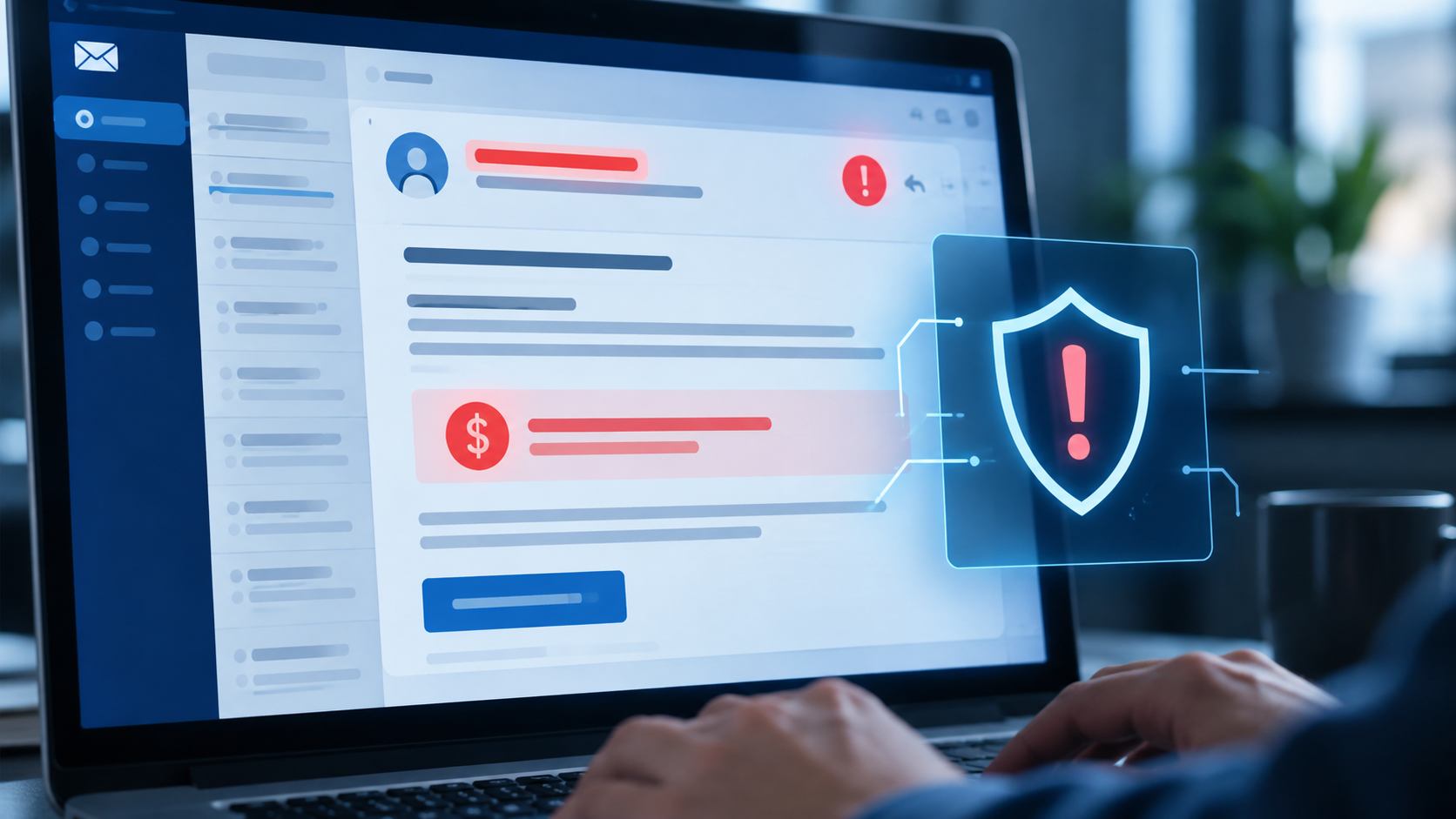
Business Email Compromise Warning Signs
- An urgent request to send money immediately.
- A supplier suddenly changes bank details.
- A senior executive asks an employee to bypass approval rules.
- A message requests secrecy.
- The sender refuses a normal verification call.
- The display name is familiar but the underlying email address is different.
- A reply-to address does not match the visible sender.
- An invoice arrives from an unusual domain.
- A payment request arrives shortly before a deadline, holiday or weekend.
- An employee asks for payroll details to be changed through email only.
- A message contains a login link to a Microsoft 365 or cloud account.
- A mailbox suddenly contains unfamiliar forwarding rules.
15 Practical BEC Defenses for Small Businesses
1. Verify every bank-detail change through a second channel
Never approve a new supplier account number based only on an email. Call a previously verified phone number or use another trusted communication method.
2. Use dual approval for significant payments
Require a second person to review large or unusual transfers. Dual approval helps prevent one compromised account from becoming a direct path to financial loss.
3. Require multi-factor authentication
MFA should protect business email, cloud administration, finance platforms and other critical accounts.
4. Consider passkeys or hardware-backed authentication
Phishing-resistant authentication can reduce dependence on reusable passwords and one-time codes. Compare the options in our passkeys vs passwords guide.
5. Configure SPF, DKIM and DMARC
Email authentication makes domain spoofing more difficult and gives receiving systems a way to validate authorized senders.
6. Protect Microsoft 365 administrator accounts
Review privileged accounts, MFA, mailbox forwarding rules, external sharing, legacy authentication and audit logging. Our Microsoft 365 security checklist provides a practical baseline.
7. Train finance employees around process manipulation
Security training should include invoice fraud, urgent executive requests, supplier impersonation and payroll diversion—not only malicious links and attachments.
8. Display full sender addresses
Employees should be able to see the complete sender address, especially when approving financial requests from mobile devices.
9. Monitor suspicious mailbox rules
Attackers may create forwarding or deletion rules to hide conversations and maintain visibility into transactions.
10. Protect endpoints from infostealers
Use supported operating systems, browser updates, endpoint protection and controlled software installation.
11. Strengthen inbound email security
Spam filtering, attachment inspection, malicious-link protection and impersonation detection can reduce exposure. Compare options in our best email security tools for small businesses guide.
12. Separate payment authority from email authority
An email account should not be enough to approve a high-risk transaction. Build important financial decisions around defined approval workflows.
13. Maintain verified supplier contact records
Keep known phone numbers and contacts separately from individual email messages so employees can verify payment changes independently.
14. Create an incident-response procedure
Employees should know whom to contact if they suspect a fraudulent payment, mailbox compromise or credential theft.
15. Review high-risk transactions after completion
Reconcile payments quickly so unusual transfers are detected as soon as possible.

What To Do If a BEC Payment Has Already Been Sent
- Contact the sending bank or payment provider immediately.
- Ask the institution to contact the receiving institution.
- Preserve fraudulent emails, headers, invoices and payment details.
- Reset credentials for compromised accounts.
- Revoke active sessions where supported.
- Review mailbox forwarding and inbox rules.
- Check administrators and recovery methods.
- Scan relevant endpoints for malware.
- Inform affected suppliers or customers using verified contact details.
- Report the incident to the appropriate law-enforcement or fraud-reporting service.
Business Email Compromise Checklist
| Control | Target state |
|---|---|
| MFA | Enabled for email, administrators and finance systems |
| Payment changes | Verified using a trusted second channel |
| Large transfers | Require dual approval |
| Email authentication | SPF, DKIM and DMARC configured |
| Mailbox rules | Reviewed and monitored |
| Endpoint protection | Current and centrally managed where practical |
| Incident response | Documented contacts and escalation steps |
Security and Search Visibility Should Support the Same Business
Security controls protect business operations, while search visibility helps customers discover the business. Website owners and marketing teams can use CBOOMARANK to analyze SEO performance, research competitors and identify search-growth opportunities after the security foundation is in place.
For plans and platform access, visit CBOOMARANK pricing.
Frequently Asked Questions
Is BEC the same as phishing?
Phishing is often used as part of BEC, but BEC specifically focuses on impersonating trusted business relationships or compromising business accounts to manipulate payments, data or business actions.
Can MFA stop all business email compromise?
No. MFA reduces account-takeover risk, but BEC can also use spoofed domains, compromised suppliers, social engineering and legitimate accounts already under attacker control.
What is the most important BEC control?
Independent verification of payment changes is one of the most important controls. A fraudulent email should never be sufficient to change bank details or approve a high-risk transfer.
Final Takeaway
Business email compromise succeeds when attackers exploit trust and normal business routines. Small businesses can make BEC much harder by combining secure email, MFA, phishing-resistant authentication, endpoint protection and independent verification for financial changes.