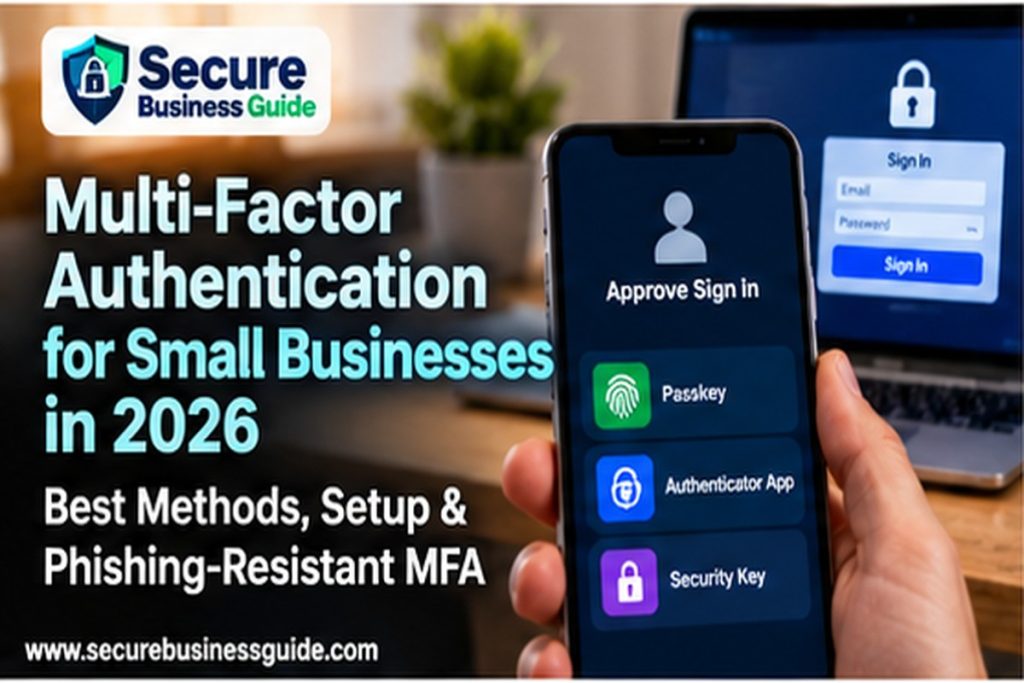
Multi-factor authentication for small business is one of the highest-value security controls an organization can deploy because it reduces the damage caused by stolen passwords. But in 2026, simply turning on “some form of MFA” is no longer enough for every account. Attackers increasingly use real-time phishing, session-cookie theft, MFA fatigue and social engineering to bypass weaker methods.
The practical goal is therefore twofold: enable MFA everywhere that matters, then move the highest-risk accounts toward phishing-resistant authentication such as FIDO2 security keys and passkeys. This guide explains how the major MFA methods compare, which accounts to prioritize, how to roll out MFA without locking out employees, and what small businesses should do when legacy systems still rely on weaker authentication.
What Is Multi-Factor Authentication for Small Business?
Multi-factor authentication requires a user to prove identity using more than one category of evidence. The familiar password is one factor. A second factor might be a hardware security key, a passkey tied to a device, an authenticator app, a push approval or a one-time code.
NIST recommends enabling MFA on accounts that offer it and notes that some MFA methods provide stronger protection than others. In particular, NIST identifies FIDO authenticators using WebAuthn as a widely available form of phishing-resistant authentication.
This matters because passwords are routinely exposed through phishing, password reuse, credential stuffing, malware and data breaches. MFA adds another barrier, but the strength of that barrier depends heavily on the method.
Why MFA Matters for Small Businesses in 2026
Small businesses rely heavily on cloud systems: Microsoft 365, Google Workspace, WordPress, accounting software, payment platforms, CRM systems, domain registrars, hosting panels and remote-access tools. A single compromised administrator account can give an attacker access to email, data, DNS, websites or payments.
In practice, many modern attacks do not “hack” a server in the traditional sense. They steal or trick users into surrendering valid credentials. That makes identity security a core business control.
MFA is especially important for:
- Business email accounts.
- Administrator and super-admin accounts.
- Domain registrar and DNS accounts.
- Hosting and cPanel accounts.
- Financial and accounting systems.
- Cloud storage and file-sharing services.
- Password managers.
- Remote-access and VPN accounts.
- WordPress administrator accounts.
- Developer platforms and source-code repositories.
Multi-Factor Authentication for Small Business: Best MFA Methods
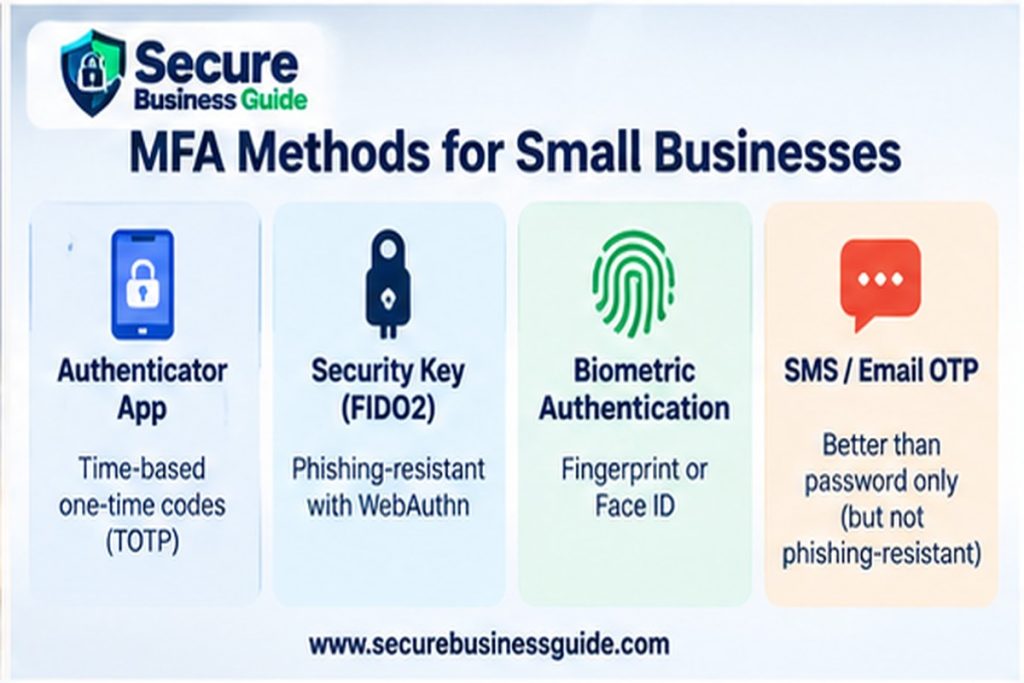
Multi-Factor Authentication for Small Business: SMS One-Time Codes
However, SMS is better than password-only authentication, but it is not ideal for high-risk accounts. Codes can be stolen through phishing, SIM-swap attacks, number-porting fraud or malware on a phone. NIST does not treat manually entered one-time codes as phishing-resistant.
Nevertheless, SMS can still be a practical transitional control when no stronger method is available. The mistake is treating it as the final destination for administrator, finance or privileged accounts.
2. Email Codes
By contrast, email-delivered codes are convenient but weak when the protected account and the recovery channel depend on the same mailbox. If an attacker controls the email account, the second factor may provide little additional security.
Multi-Factor Authentication for Small Business: Authenticator Apps
For example, time-based one-time password apps generate rotating codes on a phone or computer. They are generally stronger than SMS because they do not depend on the mobile phone network.
However, an attacker can still create a fake login page that asks for the password and current code, then relay both to the legitimate service in real time. Therefore, TOTP is useful, but it is not phishing-resistant.
4. Push Notifications
Similarly, push-based MFA sends an approval request to a trusted device. It can be convenient, but simple “Approve / Deny” prompts can be abused through MFA fatigue, where attackers repeatedly trigger prompts until a user accepts one.
Where possible, if a service supports number matching or additional context such as location and device information, enable it. Employees should also be trained never to approve an unexpected prompt.
Multi-Factor Authentication for Small Business: Hardware Security Keys
In comparison, FIDO2 security keys use cryptographic authentication and bind the login to the legitimate website. This makes them resistant to ordinary credential-phishing attacks because the key will not authenticate to an attacker-controlled domain.
As a result, they are an excellent choice for owners, administrators, finance users, developers and other privileged staff.
Passkeys for Small Business Authentication
Likewise, passkeys use public-key cryptography and are typically unlocked through a device PIN or biometric check. They can be device-bound or synchronized across supported ecosystems.
NIST recognizes properly implemented syncable authenticators, commonly called passkeys, as capable of phishing-resistant authentication. WebAuthn-based authentication binds the credential to the legitimate website, reducing the risk from fake login pages.
For a deeper comparison, read Passkeys vs Passwords for Small Business in 2026.
Multi-Factor Authentication for Small Business: Method Comparison
| Method | Security level | Phishing resistant? | Best use |
|---|---|---|---|
| Email code | Low to moderate | No | Low-risk fallback only |
| SMS code | Moderate | No | Transitional MFA where stronger options are unavailable |
| TOTP authenticator app | Good | No | General workforce MFA |
| Push with number matching | Good | Usually no | General workforce where supported |
| FIDO2 security key | Excellent | Yes | Admins, finance, owners, developers |
| Passkey / WebAuthn | Excellent | Yes | Modern workforce and customer authentication |
Which Business Accounts Should Get MFA First?
Multi-factor authentication for small business should be enforced first on email, finance, administrator, hosting and domain accounts because compromise of these systems can have immediate operational impact.
Therefore, if your company cannot migrate every account at once, prioritize by potential business impact.
Priority 1: Privileged Accounts
Protect global administrators, domain administrators, WordPress administrators, hosting accounts, cloud admins and developer accounts first. These accounts can often change security settings, create users or access sensitive data.
Priority 2: Finance and Payment Accounts
Accounting software, payment processors, payroll portals and banking-related services should have strong MFA. Business email compromise frequently targets payment workflows.
Priority 3: Email and Collaboration
Microsoft 365 and Google Workspace accounts are high-value because they provide communications, files, calendars and password-reset access to other services.
For Microsoft environments, see the Microsoft 365 Security Checklist for Small Businesses.
Priority 4: Customer and Operations Platforms
CRM, project management, HR systems, cloud storage and e-commerce platforms should follow closely.
Multi-Factor Authentication for Small Business: Rollout Plan
Step 1: Inventory Accounts and Authentication Methods
Create a simple spreadsheet or identity inventory showing the service, account owner, privilege level, current MFA method, recovery method and backup administrator.
Step 2: Remove Shared Administrator Accounts
In addition, each person should have an individual account wherever practical. Shared credentials make it difficult to know who performed an action and often lead to insecure password sharing.
Step 3: Choose the Strongest Supported Method
Use phishing-resistant options for privileged accounts whenever available. Meanwhile, use authenticator apps or number-matching push MFA for ordinary users when passkeys or security keys are not yet practical.
Step 4: Register More Than One Recovery Method
A secure MFA rollout must also address account recovery. Register at least two approved authenticators for critical accounts where the service allows it. For example, an administrator might have a primary passkey plus a separately stored hardware security key.
Step 5: Protect the Recovery Process
Attackers often target help desks and recovery channels. Do not let a phone call alone override strong authentication for a privileged user. Require identity verification and management approval for sensitive recovery actions.
Step 6: Test Before Enforcing
Run a pilot group before enforcing MFA for everyone. Confirm that employees can sign in from normal devices, recovery works and business-critical integrations are not broken.
Step 7: Enforce and Monitor
Once the pilot succeeds, enforce MFA through the identity provider rather than relying on employees to opt in voluntarily. Monitor sign-in logs and investigate repeated failures or unexpected changes to authentication methods.
Multi-Factor Authentication for Small Business: Phishing-Resistant MFA
Phishing-resistant authentication should be the target for accounts where compromise would have a major impact. NIST’s current digital identity guidance explains that authenticator methods requiring users to manually type an OTP are not phishing-resistant because the code can be relayed to a legitimate service by an attacker.
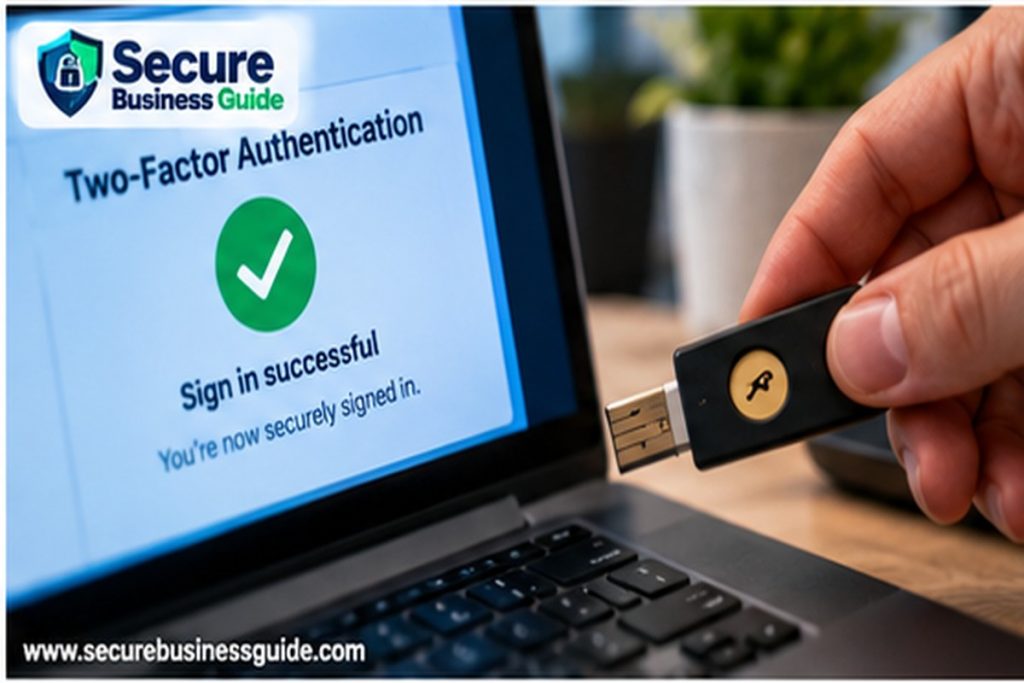
By contrast, WebAuthn-based FIDO credentials bind the authentication process to the legitimate domain. That makes a fake login page far less useful to an attacker.
Recommended High-Risk Users
- Business owners and executives.
- Global and tenant administrators.
- Finance and payroll staff.
- Website and hosting administrators.
- Developers with production access.
- Password-manager administrators.
- Domain and DNS administrators.
Security-Key Deployment Tips
Issue at least two keys to critical users where possible: one primary and one backup stored securely. Record which key belongs to which user. Do not label a backup key with information that would help a thief identify the account it protects.
Passkey Deployment Tips
Before deployment, for services that support passkeys, verify how credentials synchronize, how employees recover access and what happens when a device is replaced. Business-owned accounts should not depend entirely on an employee’s unmanaged personal ecosystem.
Multi-Factor Authentication for Small Business and Remote Work
Remote work increases dependence on cloud identity. Require MFA for remote-access services and administrative tools. Where possible, combine MFA with device management, conditional access, sign-in risk policies and restrictions on legacy authentication.
Importantly, a VPN does not replace MFA. Likewise, MFA does not replace endpoint protection, patching or secure device configuration. These controls work together.
Multi-Factor Authentication for Small Business: Common Mistakes
Leaving Legacy Authentication Enabled
Older protocols may bypass modern MFA controls. Review legacy email and application protocols and disable them when they are no longer required.
Allowing Users to Approve Unexpected Prompts
Accordingly, employees should treat an unexpected MFA prompt as a security alert, not an inconvenience. Report it immediately.
Using SMS for Every High-Value Account
SMS is better than password-only login but should not be the default for critical accounts when passkeys or security keys are available.
Ignoring Recovery Accounts
A strongly protected admin account can still be compromised if the recovery email, recovery phone or backup administrator is weak.
Failing to Revoke Sessions After a Compromise
However, changing a password may not terminate every active session. During an incident, revoke sessions and tokens where the platform supports it.
Multi-Factor Authentication for Small Business and Incident Response
If an account is compromised, reset the credential, revoke sessions, review authentication methods, remove attacker-added recovery options and inspect connected applications.
Use the Small Business Incident Response Plan for 2026 to define who performs these actions and how the business handles escalation.
Employee Training for MFA
Employees should understand four simple rules:
- Never approve an MFA request they did not initiate.
- Do not read a one-time code to someone over the phone.
- Avoid entering a code after following an unexpected link.
- Report repeated MFA prompts or authentication changes immediately.
Technical controls are strongest when employees understand the warning signs. The FTC recommends regular staff cybersecurity training and keeping employees informed as risks change.
Multi-Factor Authentication for Small Business: 30-Day Checklist
- Inventory cloud, admin and finance accounts.
- Identify accounts with no MFA.
- Enable MFA on email and privileged accounts immediately.
- Move administrator and finance users to passkeys or hardware security keys where supported.
- Disable unnecessary legacy authentication.
- Create approved recovery procedures.
- Register backup authenticators for critical users.
- Train employees on unexpected MFA prompts.
- Review sign-in and authentication-method logs.
- Document ownership and revisit the configuration quarterly.
Frequently Asked Questions
Multi-Factor Authentication for Small Business: Is SMS MFA Still Worth Using?
Yes, when the alternative is password-only authentication. But SMS should be treated as a weaker option and replaced with stronger methods for high-risk accounts when practical.
Are authenticator apps phishing-resistant?
Traditional TOTP authenticator codes are not considered phishing-resistant because a fake site can ask the user to enter the current code and relay it to the real service.
Multi-Factor Authentication for Small Business: Are Passkeys Better Than Passwords Plus SMS?
For services that implement WebAuthn correctly, passkeys provide strong protection against credential phishing and remove the need to type a reusable password.
Should every employee get a hardware security key?
Not necessarily. Instead, start with administrators, finance users and other high-impact roles. Other employees can use strong platform passkeys or well-configured authenticator apps depending on the environment.
What happens if an employee loses a security key?
The business should have a documented recovery method, such as a backup key or verified administrative recovery process. Avoid creating an easy bypass that undermines the strong authentication.
Final Takeaway
For small businesses in 2026, the right MFA strategy is not simply “turn on two-factor authentication.” Enable MFA broadly, prioritize the most important accounts and move privileged users toward phishing-resistant authentication wherever possible.
Ultimately, identity security protects the systems that keep a business operating. After those foundations are in place, organizations focused on digital growth can use CBOOMARANK to analyze SEO performance, backlinks and competitors, with plan options available at CBOOMARANK pricing.